PIVOT
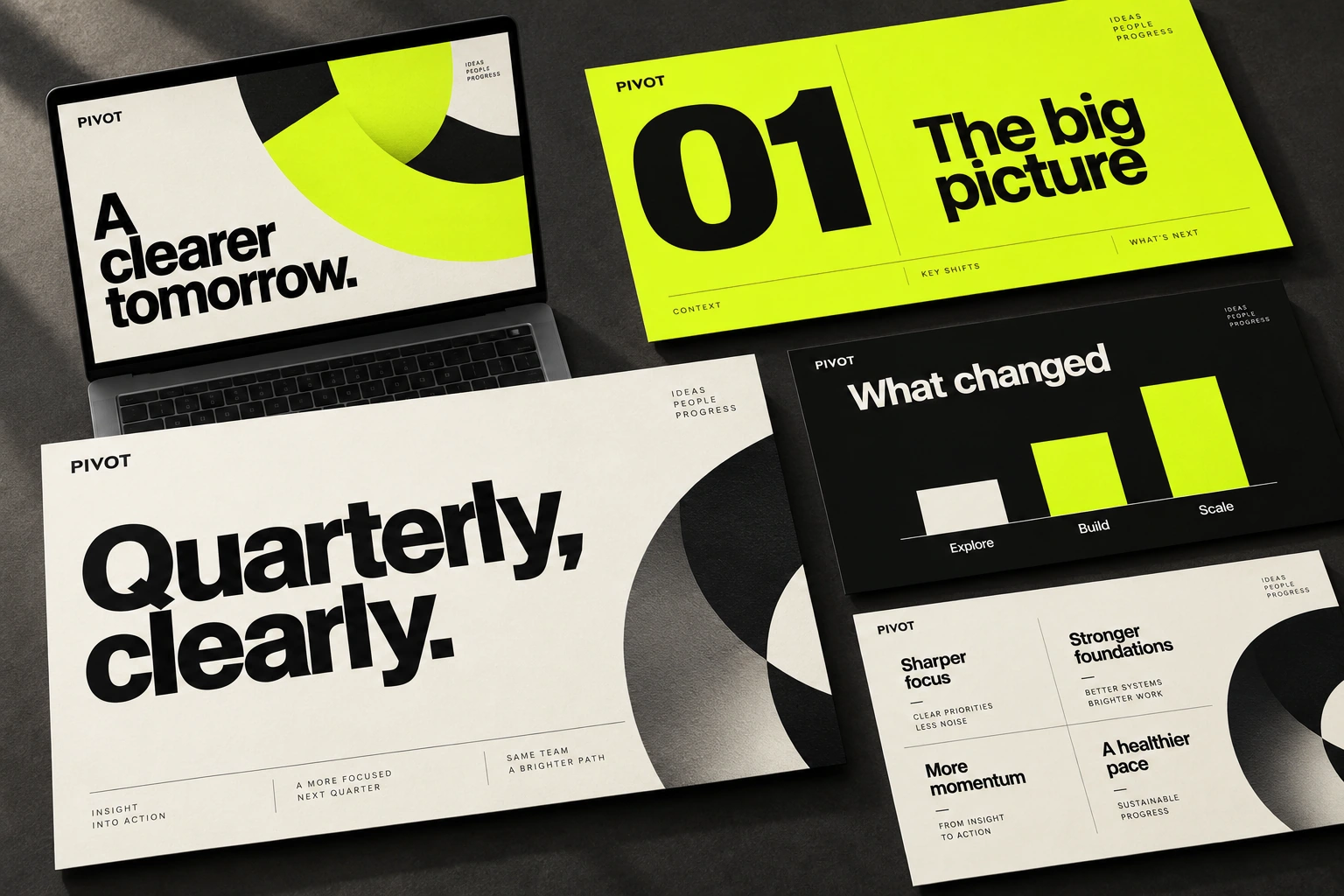
PIVOT is a quarterly review presentation that moves from an overview to priorities and next steps. Large headlines state the main points, with charts and text blocks providing the detail. A shared grid connects slides with different amounts of information.
My work: presentation structure, slide grid, charts, typography and layout rules
The conclusion before the detail
A quarterly review needs to show what changed and what comes next. I organised the sequence from an overview through individual topics to next steps. Section slides mark the transitions, while a shared grid holds the rhythm as the amount of information changes.
The title states the point
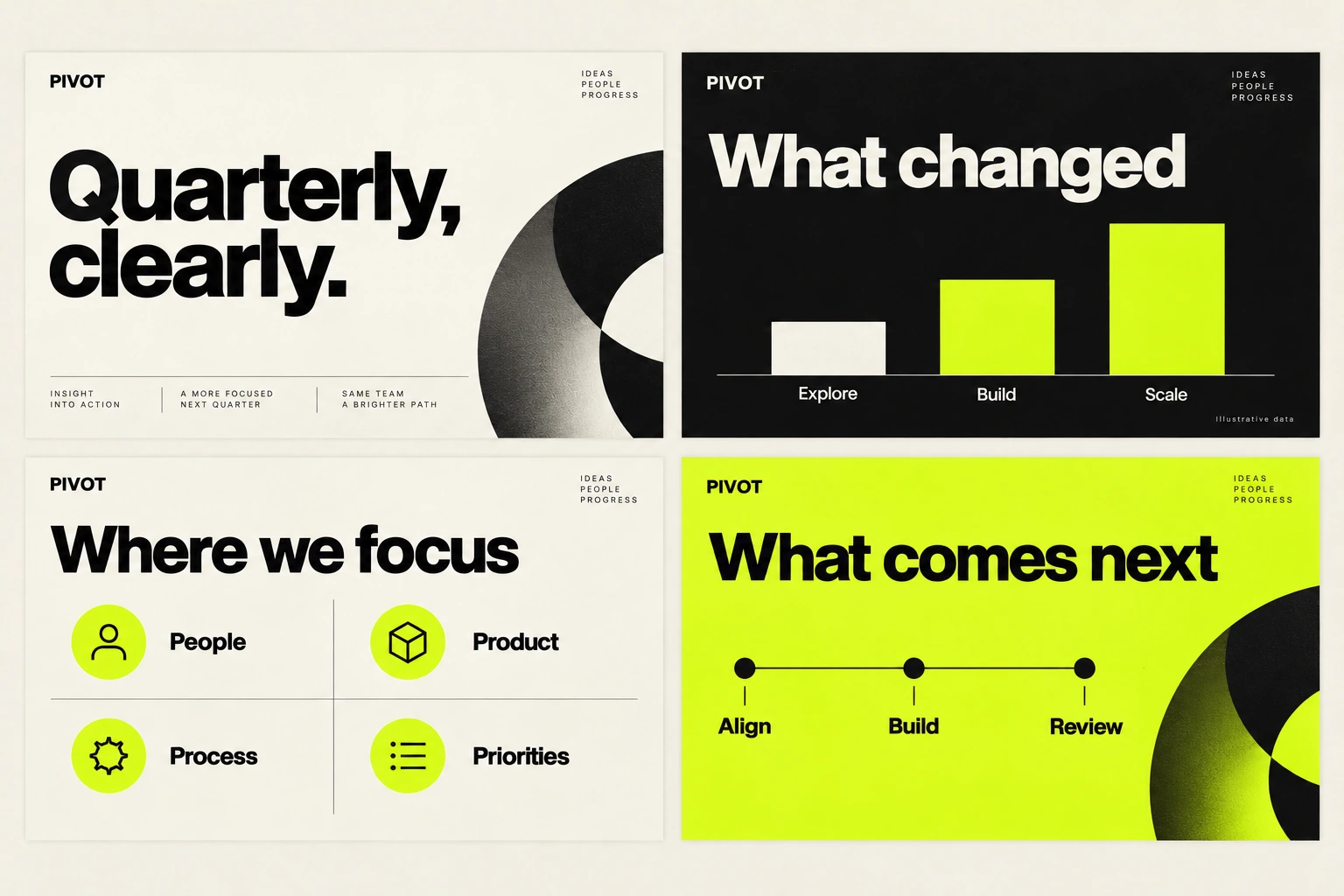
The starting point for a slide is its main point. A large title states it; a chart or text explains the detail. Consistent colours and labels help compare information across slides. Black, a light background and a lime accent separate sections and draw attention to specific content.
One principle for different densities
A short conclusion needs large type and open space. A comparison needs a shared scale and consistent labels. A detailed explanation uses several blocks on the grid. I adjust the density to the content while keeping the hierarchy: point, evidence, detail.